
Image to Layers AIImage to Layers AI
CreateShowcaseFeaturesUse casesFAQGuidesPricing
Home/Guides
Image to Layers AI · Guides

Image to Layers Guides

See what a flat image becomes after separation. Follow a step-by-step tutorial, make two layouts from one photo, or take your layers into Photoshop.
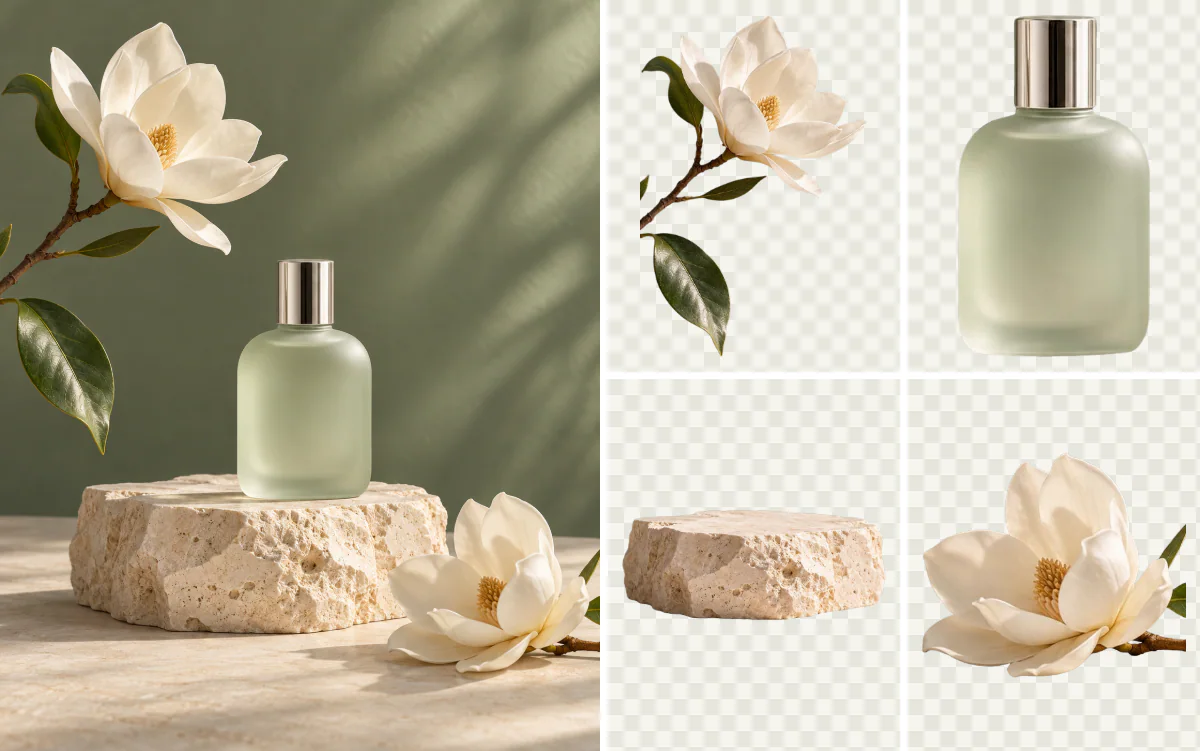
Maintained by Image to Layers AI
  • Green perfume bottle and white magnolia flowers from the Botanical study sample.
    Layer basics01

    What is image layer separation?

    See what a flat image contains, what you can move on its own, and how AI fills the areas a foreground object covers.

    Read guide
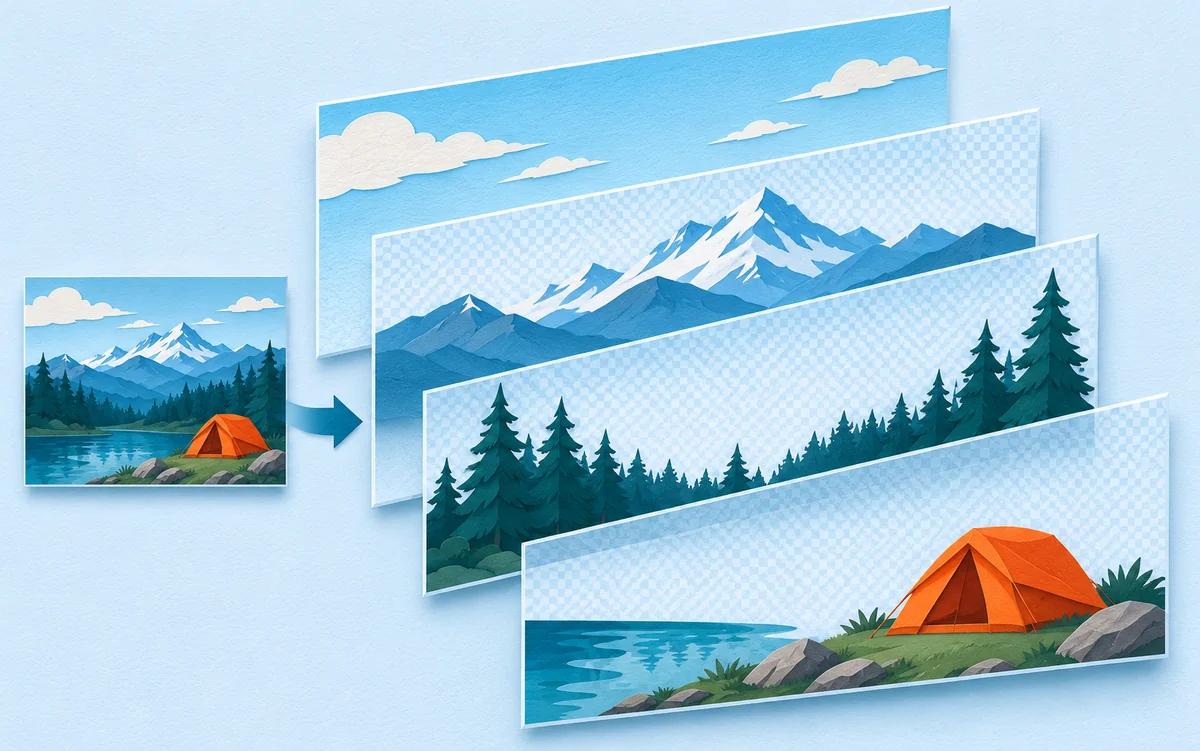
  • Illustration of a landscape separating into sky, mountain, tree, and tent layers.
    Fundamentals02

    How to separate an image into layers

    Follow the upload, layer check, and PNG download steps. See what to inspect before using the result.

    Read guide
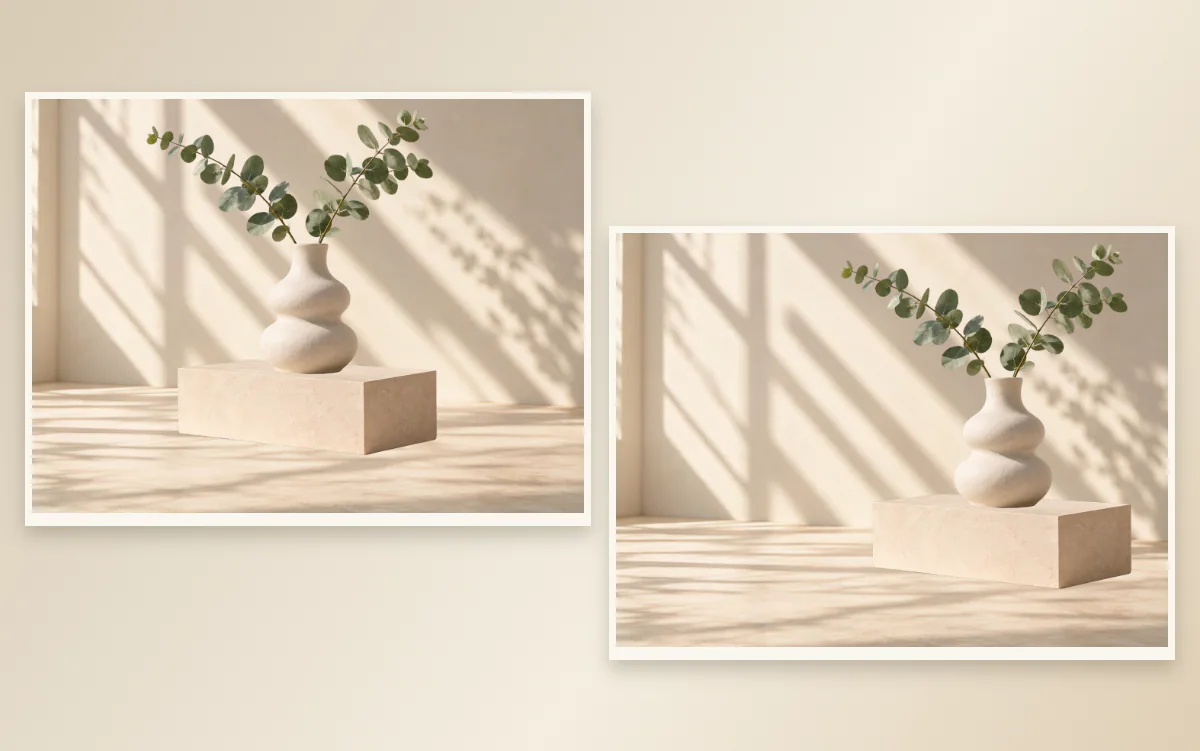
  • Two compositions of the same white vase with eucalyptus on a stone pedestal.
    Product photography03

    Create two layouts from one product photo

    Use the same vase, stems, and pedestal to make a centered product image and a second layout with space for a headline.

    Read guide
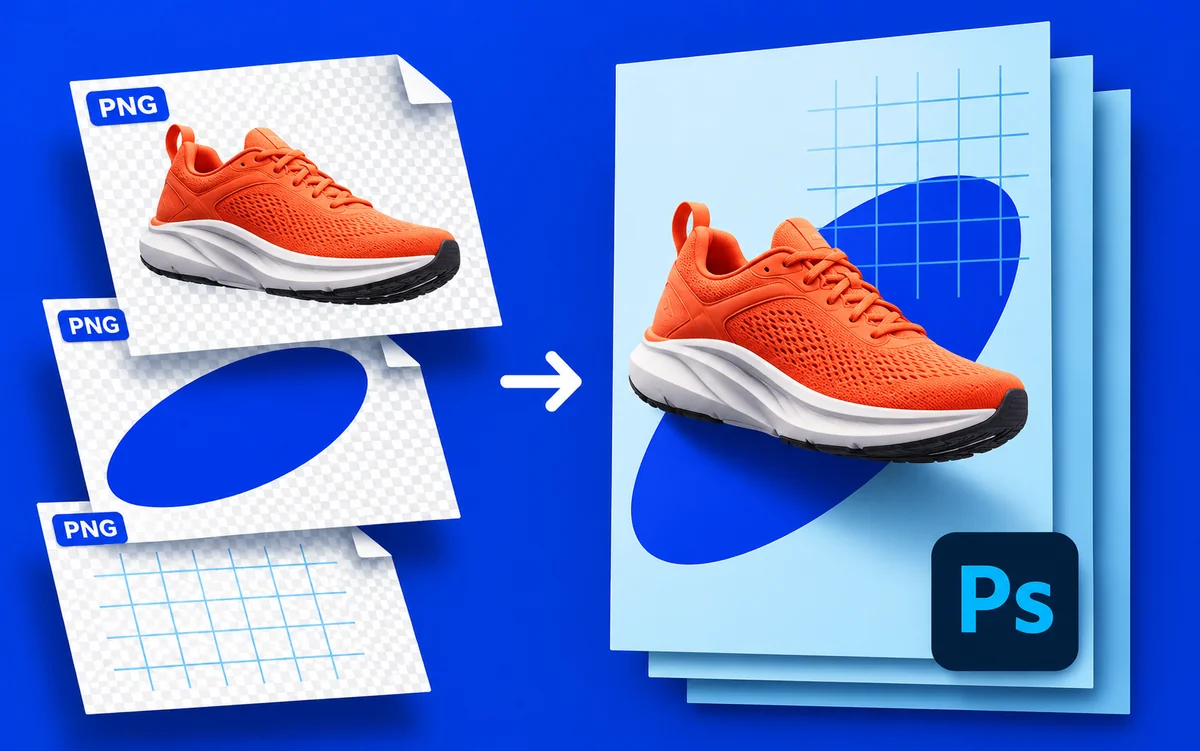
  • Illustration of separate PNG assets coming together in a layered Photoshop document.
    Photoshop04

    Take your layers into Photoshop

    Bring separate PNGs into one Photoshop document, check the layer stack, and save a PSD.

    Read guide
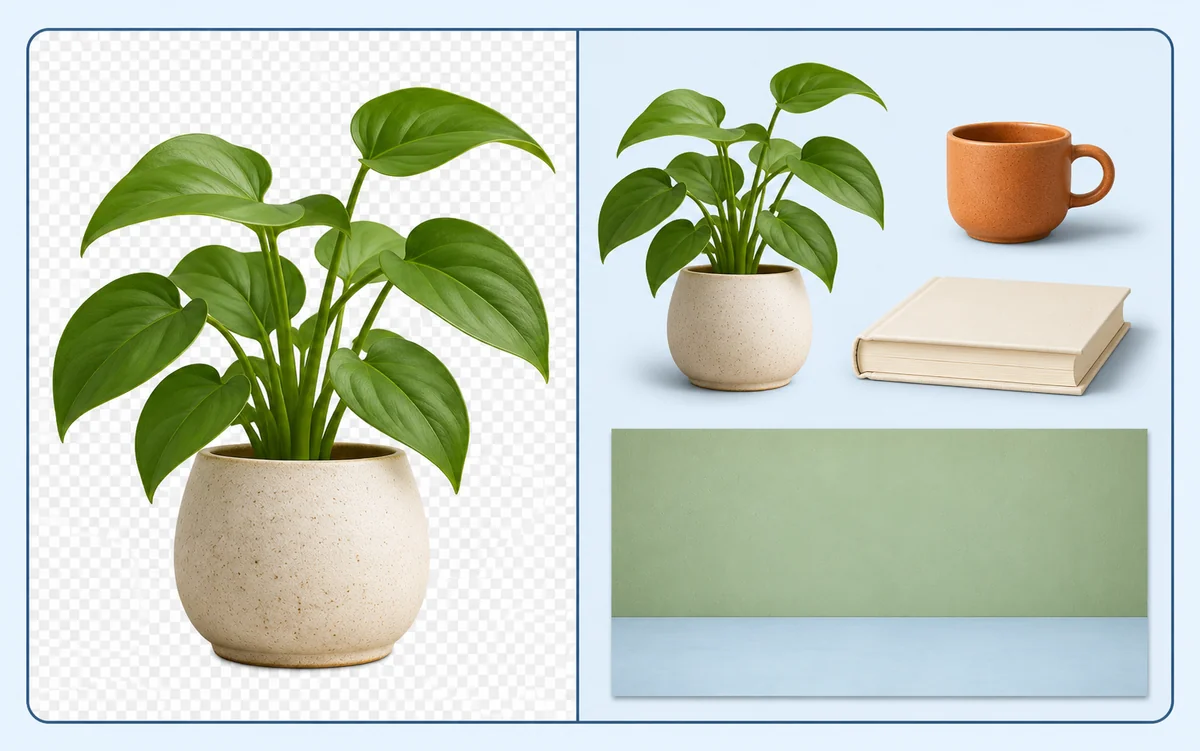
  • Illustration comparing a single plant cutout with separate objects and a clean background.
    Workflow comparison05

    Layer separation or background removal?

    Learn when a transparent cutout is enough and when you need separate objects and a reconstructed background.

    Read guide

Put the guides into practice

Try the prepared sample layers for free. Processing your own image requires sign-in and credits.

View credit pricing
Try the sample layersSeparate your own image
Image to Layers AIImage to Layers AI

Convert a flat image into separate layers with AI. Isolate objects, text, and backgrounds, then edit and rebuild every element for your design.

© 2026 Image to Layers AI

ProductFeaturesPricingFAQGuides
CompanyAboutContact
LegalCookie PolicyPrivacy PolicyTerms of ServiceRefund PolicyAcceptable Use